

AI bulk photo enhancer for ecommerce
Increase resolution, correct color and lighting, and swap backgrounds across your entire catalog, all at once.
Thank you! Your submission has been received!
Oops! Something went wrong while submitting the form.
Trusted by leading global brands and Fortune 500 ecommerce teams




.svg)




Key features of our AI bulk photo enhancer


Step 1
Upload or sync images
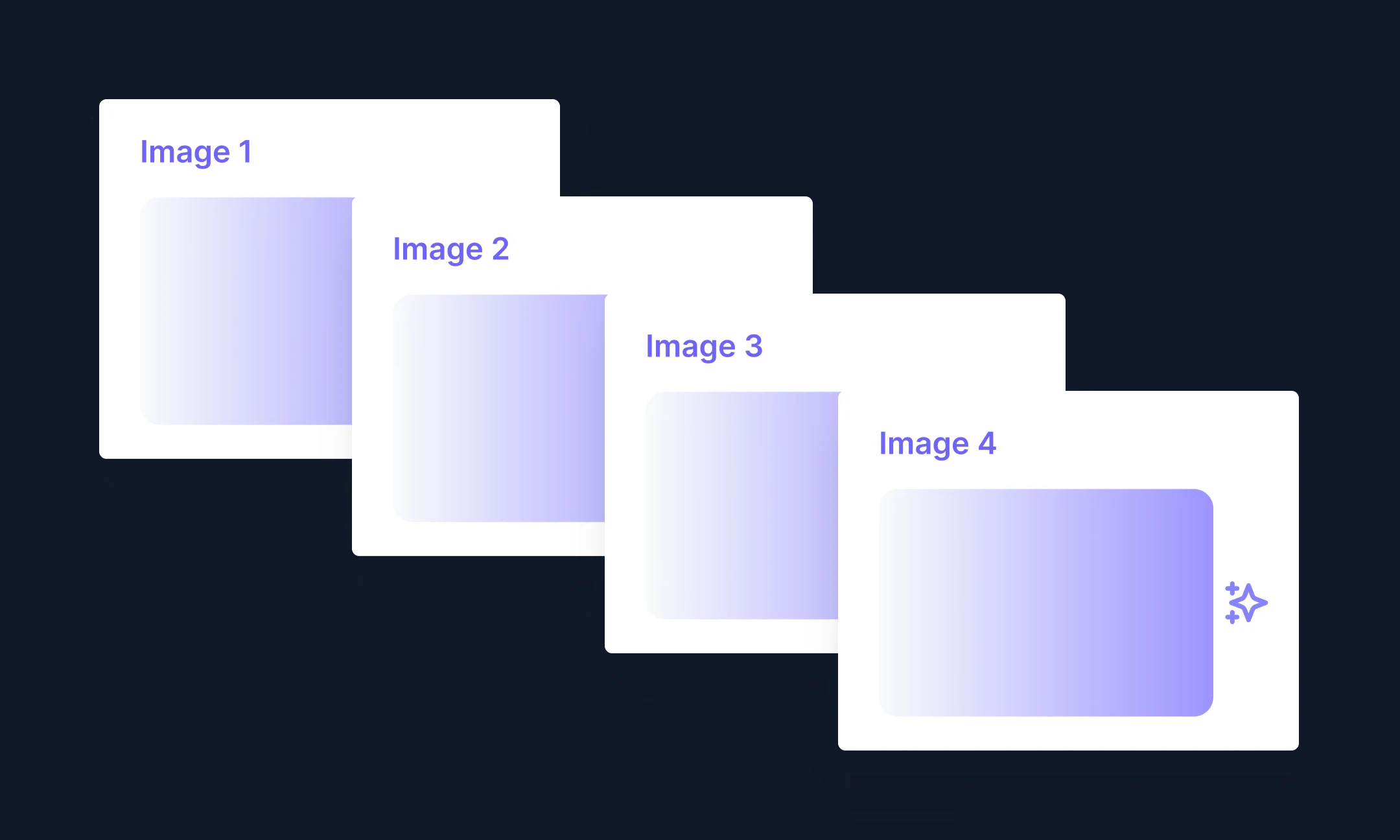
Upload ZIP files of your images, or pull them directly in the Hypotenuse AI DAM.

Step 2
Enhance photos
Describe how you want to enhance your images, whether that’s replacing backgrounds, making product colors pop, or correcting an uneven shadow.

Step 3
Download or publish directly
Export to your device, or publish straight to your ecommerce sites.
What can you use the bulk photo enhancer for?


Frequently Asked Questions
How do I enhance images using AI?

With AI platforms like Hypotenuse AI, you can upscale resolution, reduce noise, adjust color and lighting, and remove backgrounds across multiple images at once.
Why is Hypotenuse AI good for enhancing ecommerce photos?
Hypotenuse AI is trained on ecommerce imagery, so it understands how products should be placed, lit and styled. That means studio-quality images ready for your storefront and marketplaces.
Can I convert low-quality images into high-quality ones?
Yes. Hypotenuse AI automatically improves the details customers noticed most — resolution, noise in darker areas, and color accuracy. The result: images ready for your product listings and marketing campaigns.
What image formats does Hypotenuse AI’s image enhancer support?
Hypotenuse AI supports JPEG, PNG, WEBP, and TIFF for uploads and editing.


Learn more about product pages and ecommerce SEO
We've collected all the resources and tips you need to optimize your product pages effectively.


.avif)