

Faceted search lets shoppers narrow a long list of products by picking values for different attributes, such as size or color. For example, a shopper browsing sofas might filter by color: gray and width: under 100 inches.
Facets only work when every product has those attributes filled in the same way. If a sofa's width is written only in its description, the width filter can't find it.
This guide covers choosing and designing facets, and how to keep facet pages from hurting SEO.
What is faceted search?
Faceted search, also called faceted navigation, lets shoppers narrow a list of products by selecting values from several product attributes at once. Each attribute is a facet, such as color, size, brand or material. Each option inside it is a facet value, such as "Navy" or "Large".
Values from different facets combine. A shopper looking for trail running shoes can pick men's, size 9, waterproof and under $150, and see only the shoes that match all of them.
Facets are built from product attributes, which is why faceted search depends so heavily on product data. A facet can only show a product if the product's record has a value for that attribute.
What's the difference between facets and filters?
The two terms are often used interchangeably. A filter is any control that removes items from a list, such as "In stock only". Faceted navigation is a set of filters, one for each attribute of the products, that shoppers can combine in any order.
The difference is one of degree: faceted navigation covers every attribute of a product, so shoppers can narrow results whichever way suits them. For the design side of filters, see our guide to ecommerce filters.
How do you choose which facets to show?
The facets worth showing are the attributes shoppers use to decide, filled in consistently across the category.
- Start from how shoppers search. Site search queries and facet usage data show which attributes matter. If shoppers keep searching "cordless drill" and "brushless drill", those belong as facets in power tools.
- Make facets specific to each category. Each category needs the attributes shoppers use to choose within it. For example, sofa shoppers filter by width and seat depth, while headphone shoppers filter by battery life. If facets are shared across the whole site, shoppers may see filters that don't apply to what they're browsing, like a battery life filter on sofas.
- Check coverage before adding a facet. Coverage is the share of products in a category that have a value for an attribute. You can count it in your PIM or a product export. For example, if only 60% of sofas have a seat depth, filtering by seat depth hides the other 40%, even ones that would have matched. Fill the gaps first, or leave the facet off until nearly every product has a value.
- Standardize values. "Navy" and "NVY" should be one value, and every width should use the same unit. Otherwise the facet lists both, and shoppers who pick one can miss the products tagged with the other.
- Give each detail its own field. Filters can only use details stored in their own field, such as "Machine washable: Yes". If that detail appears only in the product description, the filter has nothing to match, so the product won't show up when a shopper filters for it.
- Use ranges or sliders for numbers. Price and width can have hundreds of exact values, such as 81.5 or 82 inches, which makes a long list that's hard to scan. A slider lets shoppers set exact limits, such as no wider than 82 inches for a particular wall. Fixed ranges like "80 to 85 inches" are quicker to pick and can show how many products fall in each.
- Hide facets that won't change the results. A facet is only useful if picking a value removes some products. For example, once a shopper has searched for "gray sofas", a color facet adds nothing, because every result is already gray.
How should facets look and work?
- Allow several values within a facet. Shoppers comparing two brands should be able to tick both.
- Show counts. A number next to each value, such as "Leather (24)", tells shoppers what they'll get before they click.
- Hide or grey out values with no results. A click that leads to an empty page is a dead end.
- Show applied filters. List active selections above the results, each removable in one click, with a clear-all option.
- Put the most-used facets first. Order facets by how often shoppers use them and collapse the rest. Inside a facet, sort brands by popularity and sizes in size order.
- Update results without a full reload. On desktop, results can refresh as each value is picked. On mobile, let shoppers pick several values, then apply them with a "Show 18 results" button.
- Adapt facets to the query. A search for "laptop" should show screen size and memory. A search for "washing machine" should show capacity and spin speed.
How does faceted navigation affect SEO?
Every combination of facet values can create its own URL. A category with a handful of facets can produce thousands of URLs, most of them near-copies of the category page. Search engines then spend their crawl time on filtered pages and find new products more slowly.
In one Botify audit, an ecommerce site with fewer than 200,000 products had more than 500 million URLs that search engines could crawl, almost all created by its filters. With that many pages to get through, new and updated products can take longer to show up in search.
Decide which facet pages deserve to be found in search, and keep crawlers away from the rest:
- Index facet pages that match real searches. A page for "leather sofas" or "waterproof hiking boots" can rank for searches people make. Check search demand before making a facet page indexable, and give it a unique title and H1.
- Keep the rest out of the crawl. For filtered pages with no search demand, Google recommends blocking crawling with robots.txt, or using URL fragments that crawlers ignore. Canonical tags pointing to the category page also help, though Google calls them less effective over time.
- Keep facet URLs consistent. Use the standard "&" separator and keep filters in the same order, so the same selection always produces the same URL.
- Return a 404 for empty combinations. If a filter combination has no products, Google recommends a 404 status code in place of a redirect to a general error page.
- Leave thin pages out of the index. A filtered page with one or two products makes a weak search result.
How does Hypotenuse AI help with faceted search?
Most faceted search problems start in the product data. Hypotenuse AI is an AI-native PIM that fixes that data at the source, so every facet has complete, consistent values to work with.
| Best practice | What Hypotenuse AI does |
|---|---|
| Start from how shoppers search | Restructures category names around the terms shoppers use to search |
| Make facets specific to each category | Classifies products against your own taxonomy, so every product sits in the right category and shows up under its facets |
| Check coverage | Fills missing attributes from the web, PDFs and product images. It shows how sure it is of each value and where it found it, so your team knows which values to check before they go live |
| Standardize values | Maps every tag to your own attributes and allowed values, so "Grain free" and "Grain-Free" become one value, and one grain-free filter finds every matching pet food |
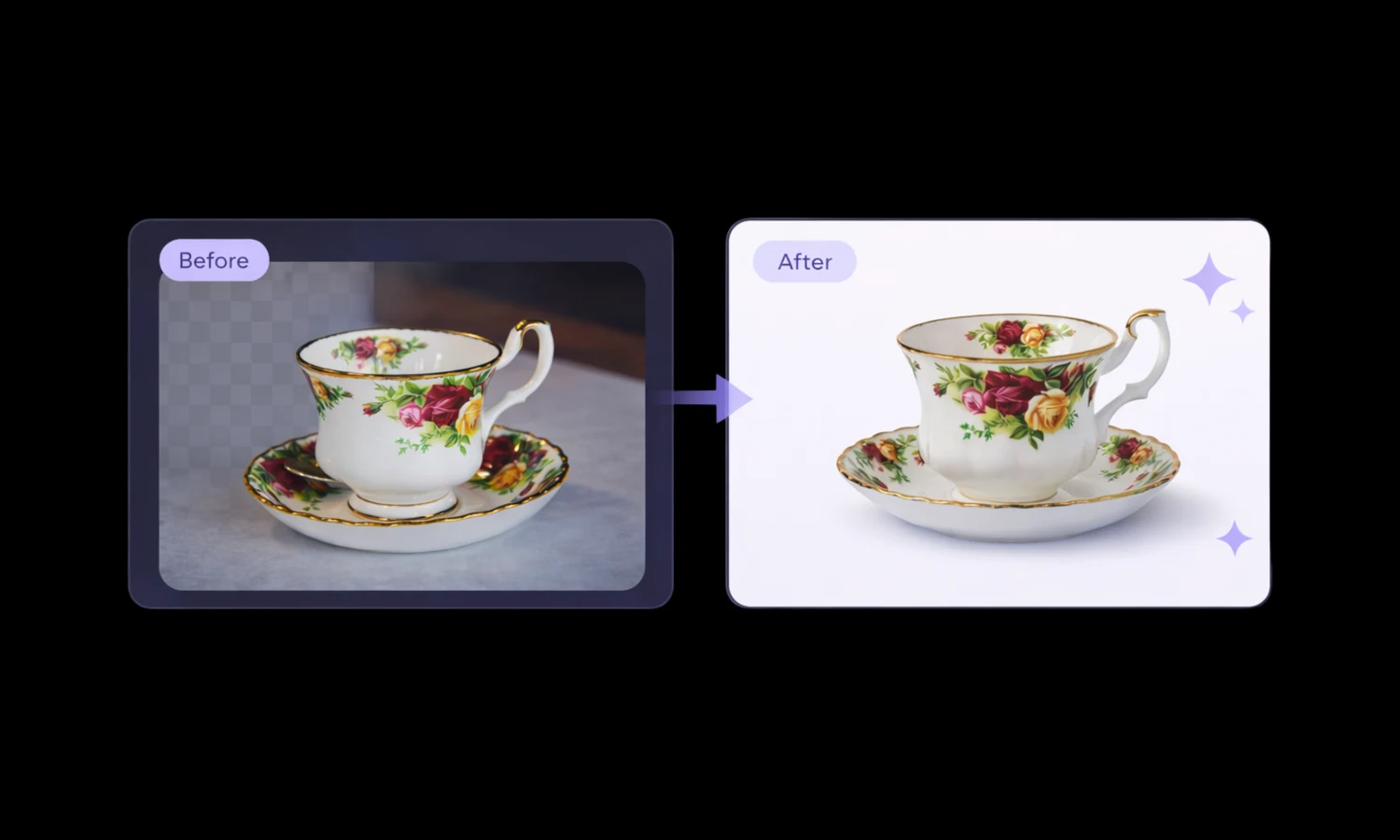
| Give each detail its own field | Tags visual attributes such as color, pattern, shape and style from product images, so products with thin supplier data still show up in filters |
| Bring in supplier data | Maps supplier fields to your attributes and normalizes values, such as Small and s to S, so products from every supplier appear under the same filters |
FAQs
What are facet filters?
Facet filters are the controls inside faceted navigation, usually checkboxes or sliders, that let shoppers pick a facet value such as a size or a brand.
What's the difference between searching and filtering?
Searching finds products that match the words a shopper types. Filtering narrows a set of results by attribute values. Most shoppers do both: they search for "sofa", then filter by width and fabric. Our site search best practices cover the search side.
What are examples of faceted search?
Facets change with the category:
- Apparel: size, fit, color, fabric
- Electronics: screen size, storage, ports, brand
- Home goods: width, material, style, color
- Industrial parts: thread size, material, finish, standard
How many facets should a category have?
Enough to cover the attributes shoppers use to decide, and no more. Show the most-used facets open, and collapse the rest behind "More filters", especially on mobile.



.avif)