

Ecommerce teams manage product data in different ways. Some keep it in spreadsheets and their store admin. Others run it from their ERP, which feeds their ecommerce platform. Some keep everything in the platform itself. Each of these can work well without a PIM until something asks more of it.
Whether you need a PIM comes down to two things: whether your current setup can keep up with what your product data now has to do, and whether a PIM would take enough work off your team to be worth adding.
What does a PIM do?
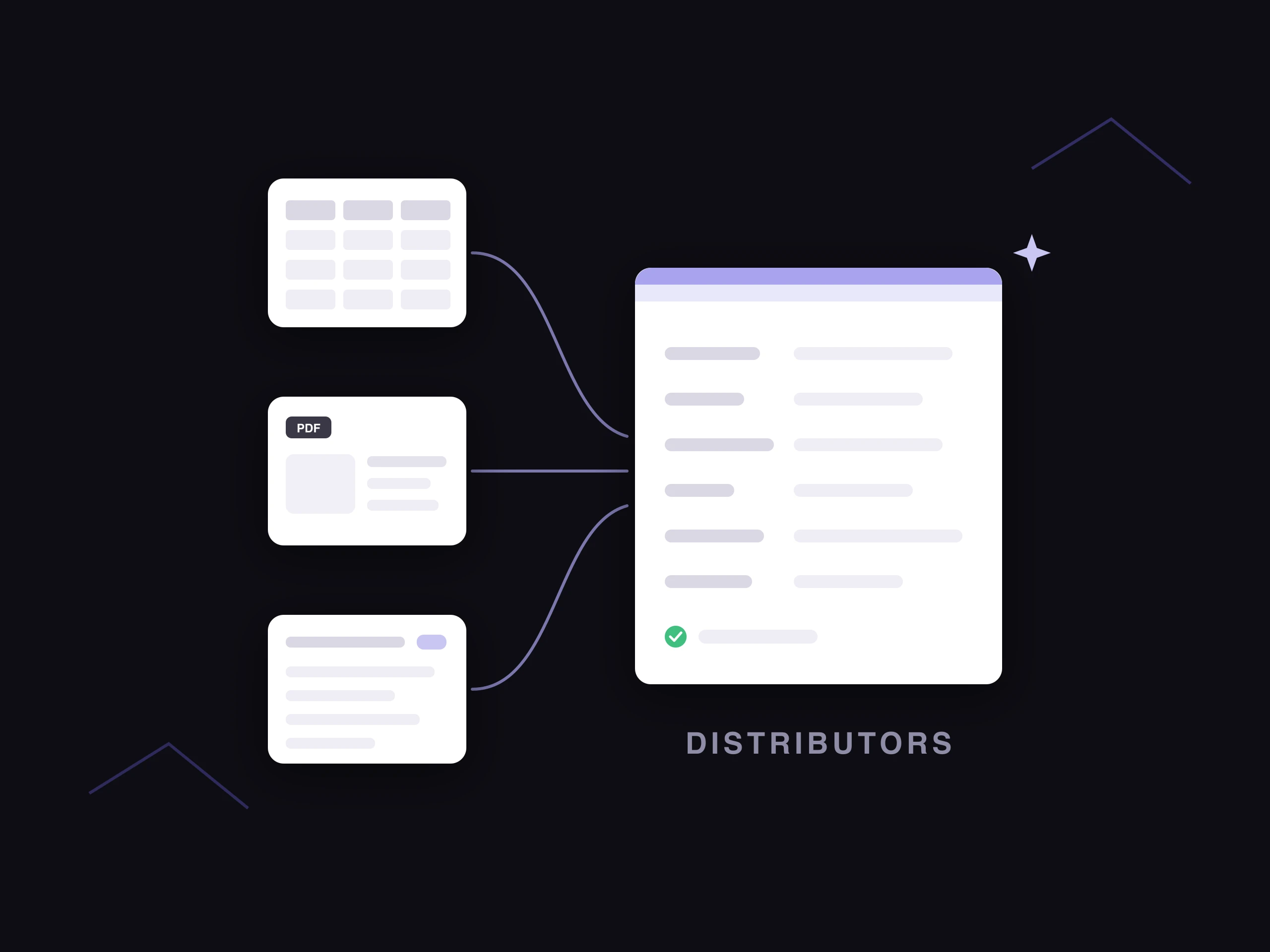
A PIM (product information management system) holds one master record for each product. It defines which attributes each category needs, keeps variants linked to their parent product, controls who can edit and approve, and sends the right version of each product to each channel.
Your ERP still handles SKUs, prices and stock, and your ecommerce platform still runs the store. The PIM sits between them and looks after the product information shoppers see.
Why are more teams looking at PIMs now?
Traditional PIMs were built to store and organize product information, and they do that well. Filling in attributes, writing descriptions and checking data against each channel's rules still fell to people, though. For teams whose ERP and store admin already held the basics, adding a PIM could mean taking on a new system without taking much work off anyone's plate.
AI PIMs change that. Along with storing product data, they can fill missing attributes from supplier files, images and the web, write descriptions from approved attributes, categorize products and check them against each channel's requirements before they go live. That makes a PIM a system that does a large share of the work on product data, as well as a place to keep it. Our guide to AI in PIM covers how this works.
Where does product data live without a PIM?
| Setup | What it handles well | Where it starts to strain |
|---|---|---|
| Spreadsheets and the store admin | Quick to start, flexible and easy for anyone to edit | Different versions of the same product drift apart, nothing enforces required fields and it's hard to tell which version is current |
| ERP feeding the ecommerce platform | SKUs, prices and stock in one place, already connected to the store | ERP item fields are built for operations, not detailed attributes or copy. The shopper-facing detail usually gets added in the store admin, and each new channel means another version of it, which can be tough to keep consistent and up to date |
| Ecommerce platform only | One store and one team, with everything in one admin | Gets harder once you add marketplaces, markets or teams, since the platform holds the store's version, not a master record for every channel |
What are the signs you need a PIM?
These are the day-to-day signs that a setup is straining, whichever one you use.
The same change has to be made in several places. When a beauty brand updates the ingredient list for a moisturizer, it has to change it in the store admin and in each marketplace listing. Each extra place is another chance for one to be missed.
Nobody is sure which version is current. There's the record in the spreadsheet or the ERP, and there are edits someone made directly in the store admin. When there are inconsistencies, extra work is needed to work out which version is the most accurate one.
Your ERP can't hold what shoppers need to see. The ERP has the SKU, size, color and cost. Materials, care instructions, fit notes and descriptions live somewhere else, often in the store admin, and have to be rebuilt for every new channel.
Each channel needs its own version. Marketplaces ask for different attributes and image sizes. If your team rebuilds the data for each one by hand, every new channel adds more manual work.
Variants are hard to keep in sync. A foundation sold in 40 shades shares most of its details across every shade. If those details are copied onto 40 records, a change to the formula means 40 edits.
Several teams and suppliers edit the same products. Merchandising, content, regulatory and suppliers all touch the same records. Without roles and approvals, it's hard to tell who changed what, or whether the live version was signed off.
Launches wait on missing information. Products sit in a queue because a required field is empty or an image is missing, and it's hard to tell which products are missing information and what information they already have.
Images and documents are stored away from the data. Product photos sit in shared drives and safety documents sit in email, and it's hard to tell which image belongs to which variant.
If several of these sound familiar, it's worth looking at a PIM. One of them on its own can usually be fixed with a better process.
What changes make teams look at a PIM?
Some teams don't feel much strain day to day. For them, the question usually comes up when something changes:
- A new marketplace or retail partner, with its own required attributes and formats
- A new country or language, which means translating and adapting every product
- A replatform, when product data has to be moved and cleaned up anyway
- New brands, product lines or suppliers, each sending data in a different shape
- Growth targets, such as selling more through search, marketplaces and AI shopping assistants, which all match products to shoppers using detailed attributes
- Using AI to fill attributes or write copy at scale, which works best from one governed record per product
Each of these adds work to every product you sell. That's where one master record, and an AI PIM that does part of the work, starts to pay off.
When can you manage without a PIM?
A PIM may be more than you need if:
- You sell on one channel, and your ecommerce platform's admin or your ERP holds everything that channel needs.
- One or two people edit product information, so it's clear who owns it.
- Your catalog is small, roughly under 100 products, and rarely changes.
- You sell in one market and one language, and none of the changes above are coming up.
Also check whether your problem is coordination or missing data. A traditional PIM gives you one place to manage product information, but it won't fill in attributes your suppliers never sent. If most of your records are incomplete, you'll need enrichment first, or a PIM with enrichment built in. Our guide to product data enrichment vs PIM covers how the two fit together.
Is a feed management tool enough?
A feed tool takes product data you already have and reshapes it for each channel, for example by renaming fields or resizing images. If one team owns complete, accurate data and the main job is getting it onto several channels, a feed tool may be enough.
A feed tool doesn't give you a master record that several teams build and approve, and it can't add information that isn't there. If your data is incomplete, or several people edit it, a feed tool sends those problems to more channels.
What changes when you add a PIM?
| What you use today | What it's used for | With a PIM |
|---|---|---|
| ERP item fields | Item names and short descriptions | The ERP keeps SKUs, prices and stock, and the PIM holds the full product information |
| Edits in the store admin | Adding detail and fixing product pages directly | The store receives approved data from the PIM, so edits happen in one place |
| Spreadsheets, one per supplier or channel | Holding attributes and building channel files | One record per product, with the attributes each category needs, and a version for each channel |
| Shared drives | Storing images and documents | Images and documents linked to the products they belong to, if the PIM manages assets |
| Email and chat | Approvals and sign-off | Roles, permissions and an approval step before anything publishes |
A PIM doesn't replace your ERP or your ecommerce platform. It works between them.
How can you test whether your setup is keeping up?
Pick one product you launched recently and trace every place its information lives: the ERP, spreadsheets, the store admin, marketplace portals, image folders and approval emails. Then count:
- How many places hold a copy of the same information
- How many people edited it before it went live
- How long it took from supplier file to live product
- How many fixes were made after it went live
If the answers come to several places and fixes after launch, a PIM is likely to save your team time on every product you add. If the answers are low but one of the changes above is coming, it's worth planning for a PIM before the change lands.
What should you look for in a PIM today?
A PIM that only stores data still needs someone to fill it in. AI PIMs can take on much of that work inside the PIM itself. So when you compare PIMs, look at how much of the work on product data each one can do, as well as how it stores it. Check whether it can:
- Fill missing attributes from supplier files, spec sheets, images and the web
- Show where each value came from, and flag the ones it's unsure of for review
- Write product descriptions from approved attributes, in your brand voice
- Categorize products to your taxonomy and to each channel's
- Check products against each channel's requirements before they go live
- Connect to the ERP and ecommerce platform you already use
If it can't, you'll need separate tools for enrichment and content, plus the work of connecting them to the PIM.
One important thing to note is that two PIMs can list the same features and still give very different results. The checklist above is a good start, but it won't tell you how well each feature works in practice.
A good AI PIM does all of the above smoothly, with little intervention from your team. It should feel like the platform was built around AI from the start, with AI part of every step from import to publish. Ask how the AI finds each value, which sources it uses and how it decides what to flag for review. Then test it on a sample of your own products, and check how accurate the filled values are, whether each one shows where it came from and how much your team has to fix.
How does Hypotenuse AI work as a PIM?
Hypotenuse AI is an AI-native PIM. Enrichment, content generation and image editing run inside the same system your product data lives in, along with the ongoing work of keeping every product classified, complete and current.
It can be your single source of truth for product data and images, or work alongside the PIM you already have. It connects with your ERP, CMS and ecommerce platforms like Shopify, with data syncing both ways, so you can add it without replacing the systems that already work.
| What you need | How Hypotenuse AI handles it |
|---|---|
| One record for every product | Acts as the single source of truth for product data and images across your catalog. |
| Variants and relationships | Defines product hierarchies, variants and relationships with data models that scale with your catalog. |
| Teams and approvals | Sets roles, permissions and approvals for how product data is maintained. |
| Filling gaps | Fills missing attributes from supplier feeds and trusted online sources, and tells you exactly where each value came from. |
| Product content | Generates product descriptions in bulk from approved attributes, in your brand voice. |
| Uncertain data | Flags uncertain data and gives confidence scores, so your team can approve changes quickly. |
| Channel checks | Validates every field against your internal rules or each channel's requirements before publishing. |
| Your existing systems | Connects with your ERP, CMS and ecommerce platforms like Shopify, with bi-directional sync. |
| Scale | Enriches data, generates descriptions, edits images and fills attributes in bulk across multiple locales. |
FAQs
How many SKUs do you need before getting a PIM?
There's no set number. A small catalog sold on several channels and in several languages can need a PIM sooner than a large catalog sold on one site.
Is a PIM worth it if our ERP and Shopify already work?
It can be. If a new channel, market or replatform is coming, a PIM makes that change easier. And if an AI PIM can fill attributes and write copy your team does by hand today, it can save time even when nothing is broken.
Is a PIM the same as an ERP?
No. An ERP runs operations such as inventory and pricing. A PIM manages the product information shoppers see. Most companies with a PIM also have an ERP, and the two share SKUs.
Do you need a PIM if you already use Shopify?
Not always. A single Shopify store with a small catalog and one team can manage in the Shopify admin. Once you sell on several channels or in several markets, or several teams edit the same products, a PIM upstream of Shopify keeps the data consistent. Our Shopify PIM page covers when a Shopify store needs one.



.avif)