




AI ghost mannequin for ecommerce

Turn the apparel photos in your DAM into consistent ghost mannequin product images across your whole catalog, without sending them out for retouching.
Trusted by leading global brands and Fortune 500 ecommerce teams

How to create ghost mannequin images with Hypotenuse AI

Step 1

Start from your image library

Select a season, category or set of SKUs from the images already in Hypotenuse AI's DAM, or sync them from the DAM you use today.

Step 2

Choose your outputs

Pick ghost mannequin, plus any on-model or flat lay versions your channels need, and apply your brand's image rules.

Step 3

Review and publish

Check the results and regenerate any you want to change. Approved images are saved back to the DAM, linked to the right SKU, and ready to send to your channels.

Ghost mannequin images from the photos you already have
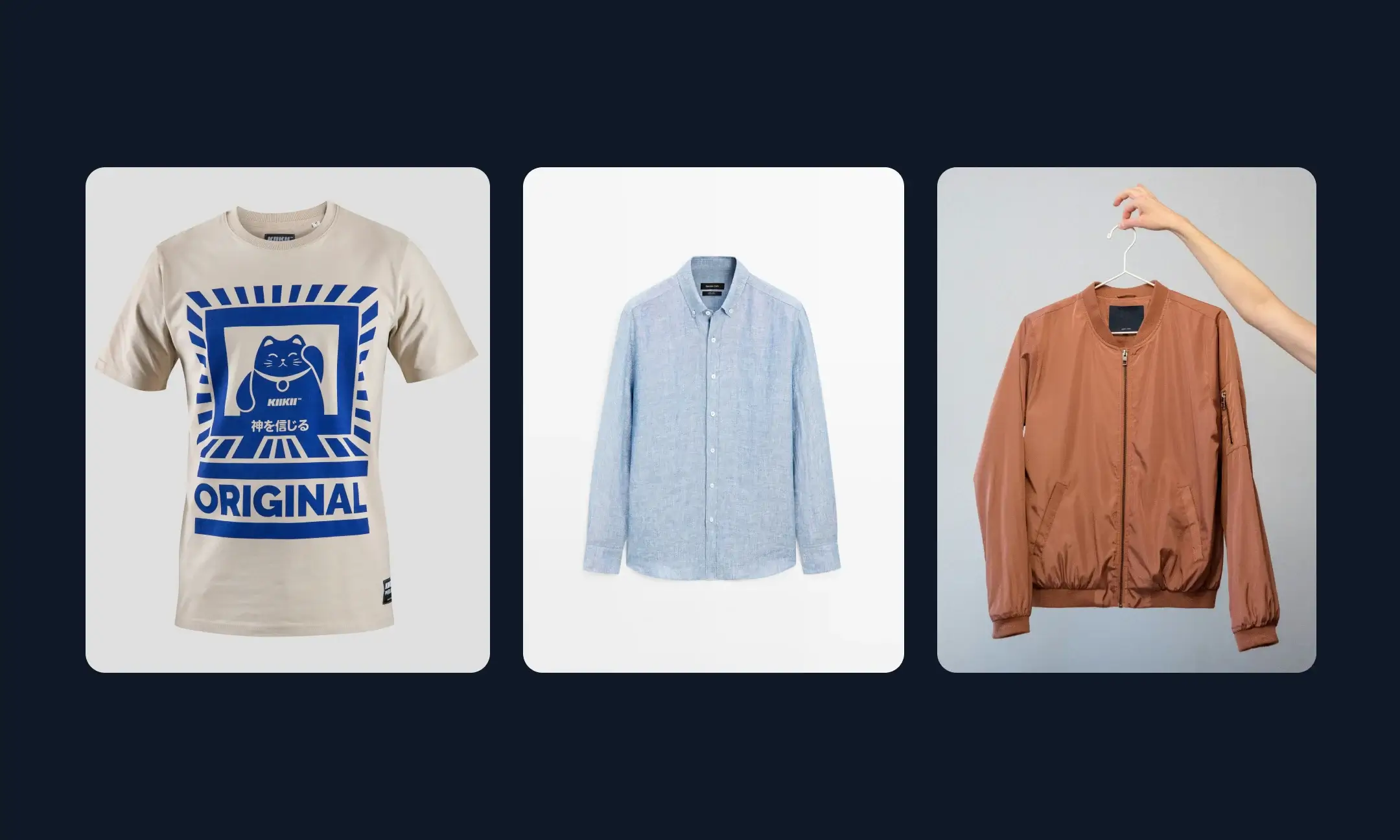
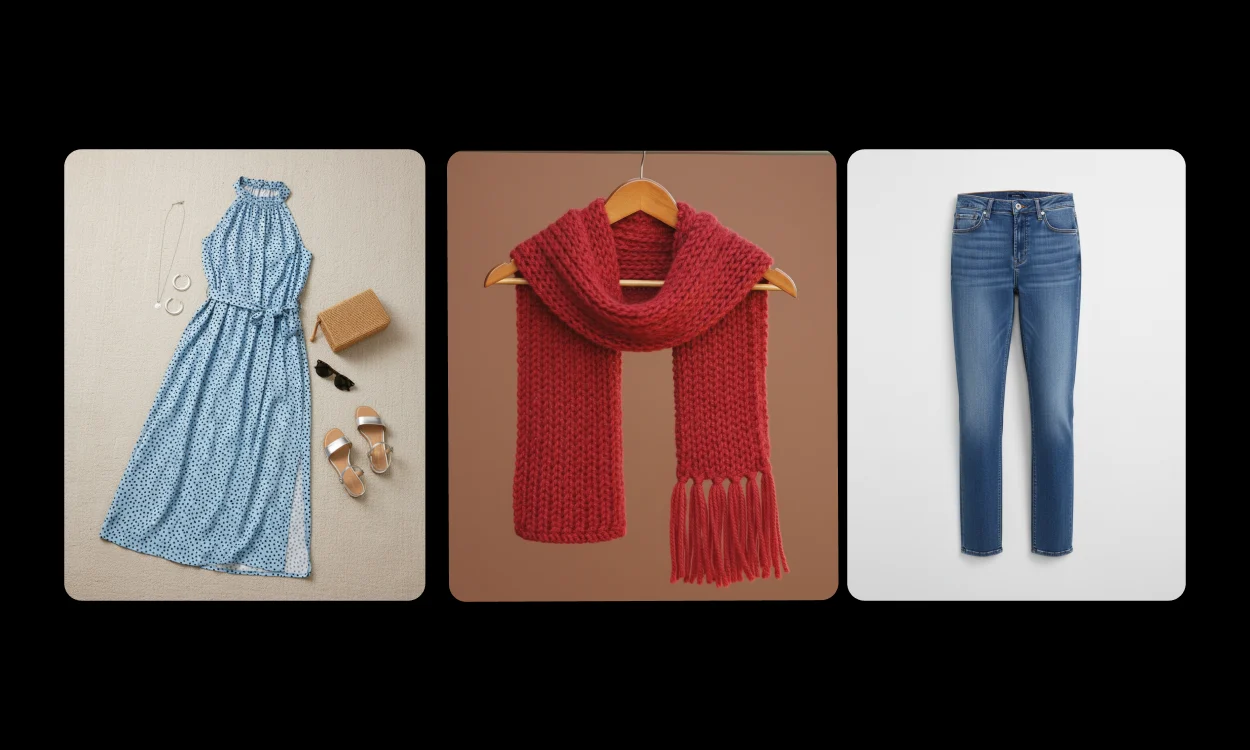
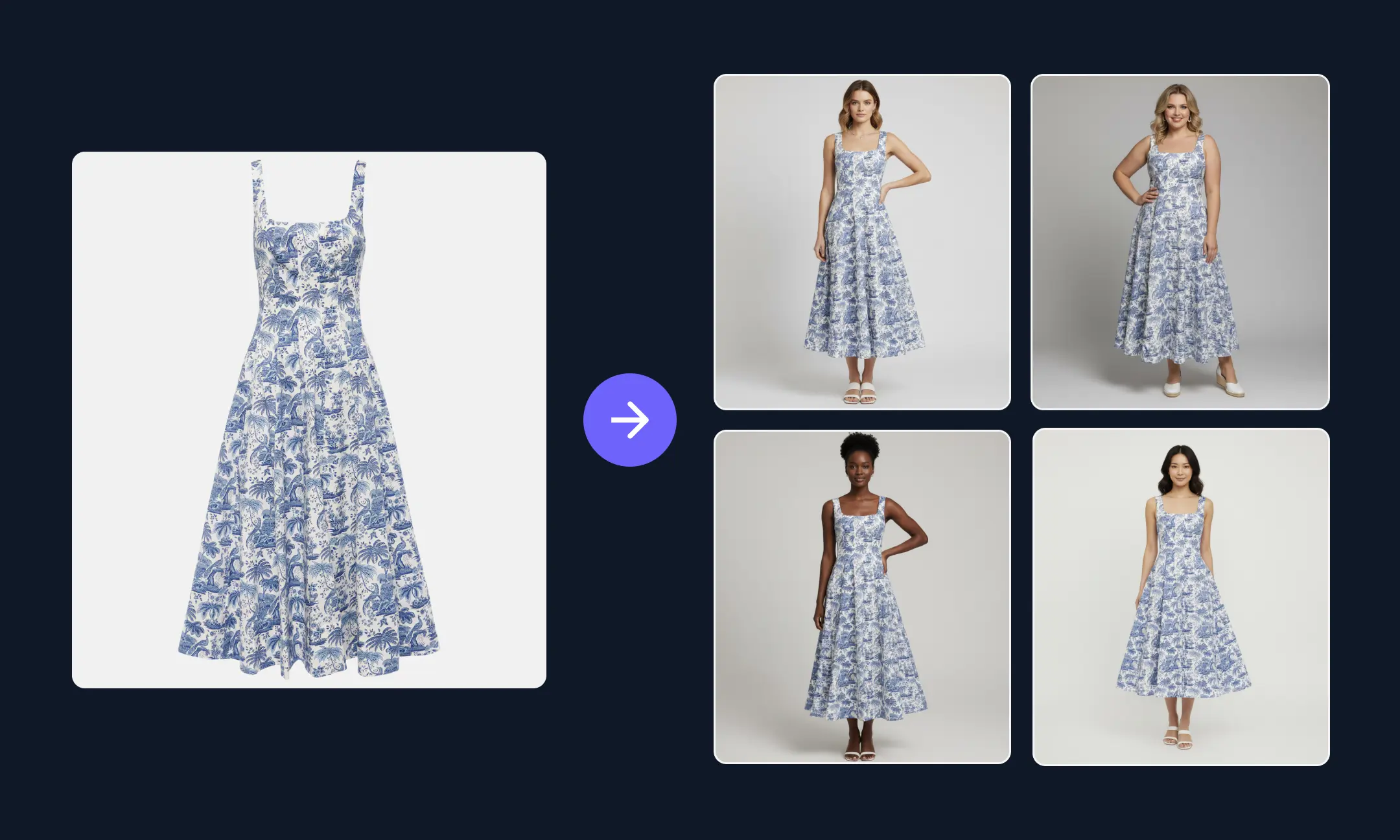
Start from the flat lays, hanging shots, mannequin photos or on-model images already in your DAM, so you don't need a separate mannequin shoot. Clear photos taken from the angle you want give the best results.

Your whole catalog in one batch

Run ghost mannequin on an entire season or category at once. Every product gets the same treatment, so your category pages look like one consistent set.

Every colorway without reshooting

Apply new colors to a style's images, so each colorway gets a matching ghost mannequin image without another shoot.

Every version your channels need

Create ghost mannequin, on-model and flat lay versions of the same product. Use on-model images where a channel asks for a model, and ghost mannequin images everywhere else.

Checked against every retailer's image rules
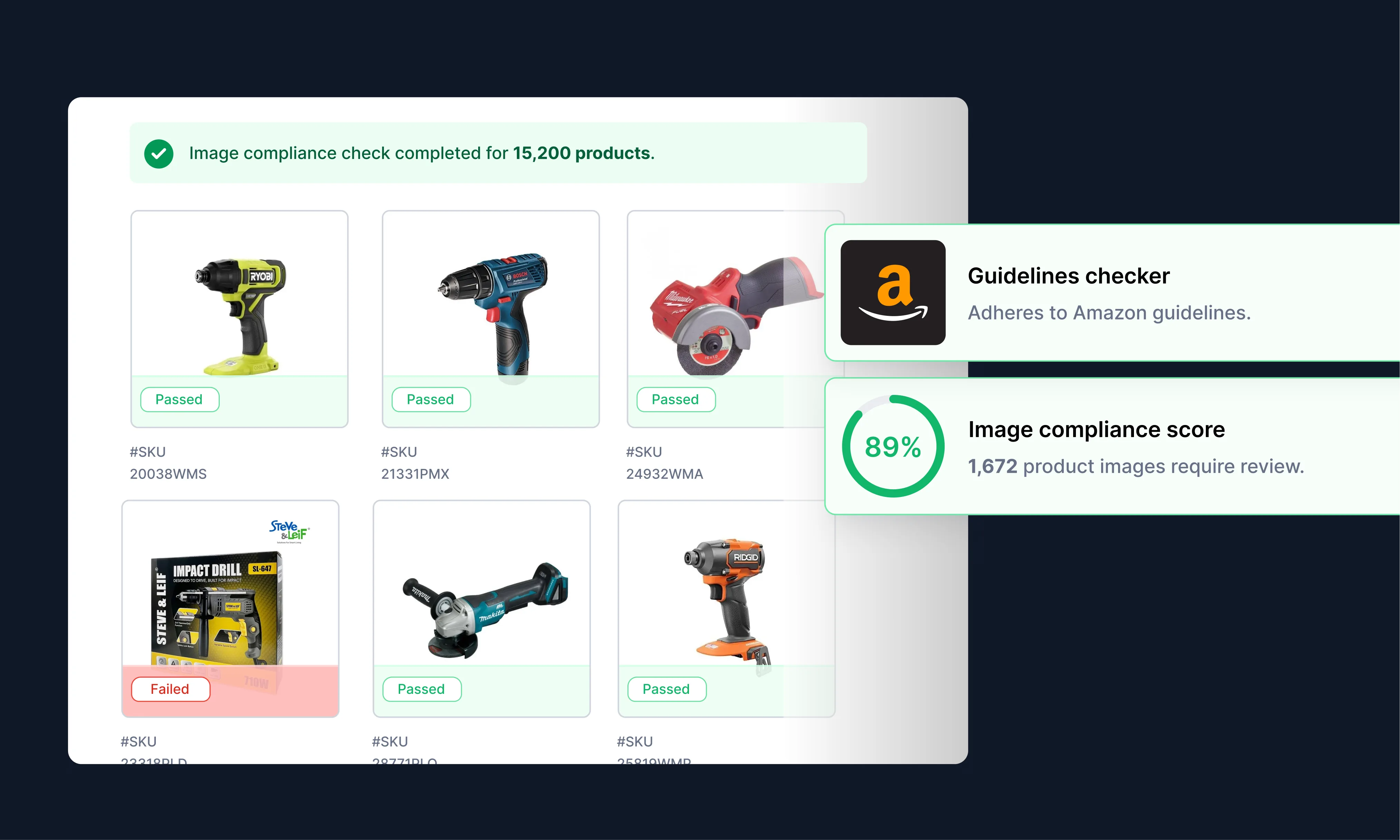
Check each image against your own standards and each retailer's rules for background, dimensions and cropping before it goes live. Set different rules for each retailer or sales channel.

Who is AI ghost mannequin software for?

Apparel brands

Show fit and drape across every style and colorway, on your own site and for your retail partners.

Retailers and department stores

Bring images from many brands into one consistent look across your category pages.

Distributors and wholesalers

Turn the mixed photos suppliers send into consistent product images before they reach your site or your customers.

Frequently Asked Questions

Can I turn any photo into a ghost mannequin image?

Most apparel photos work, including flat lays, hanging shots, mannequin photos and on-model images. You'll get the best results from a clear photo of the garment, taken from the angle you want the final image to show.

Can AI create ghost mannequin images in bulk?

Yes. Hypotenuse AI runs ghost mannequin on a whole batch at once, such as a full season or category, and applies the same treatment to every product so the results stay consistent.

How does AI ghost mannequin compare with a ghost mannequin service?

Studio shoot and in-house retouchingOutsourced retouching serviceHypotenuse AI
What you need to shootSeveral shots per item on a mannequin, including the inside of the garmentThe same mannequin shots, sent to the serviceA clear photo you already have, such as a flat lay or on-model shot, taken from the angle you want
TurnaroundDepends on your retouchers' workloadHours to days per batch, depending on the providerBatches run in-house, on your schedule
New colorwaysUsually a new shootA new shoot, then another retouching orderApply new colors to existing images
Consistency across the catalogDepends on the retoucherDepends on the editor and the briefSame treatment and brand rules on every product
Retailer image checksDone by handUsually done by hand after deliveryChecked against each retailer's rules before publishing

Can I use ghost mannequin images on Amazon?

Amazon's main image rules for adult clothing require the product to be shown on a model, with no visible mannequin. Ghost mannequin images can be used for the listing's other images. Hypotenuse AI can create on-model and ghost mannequin versions from the same photo and check each one against Amazon's image rules.

What's the difference between ghost mannequin, flat lay and on-model photos?

A flat lay shows the garment laid flat and photographed from above. An on-model photo shows it worn by a person. A ghost mannequin shows it in its worn shape with no person or mannequin visible. Many apparel teams use all of these on the same product page, and Hypotenuse AI can create each version from the photos you already have.
More on ecommerce product data & content strategy

We've collected all the resources and tips you need to optimize your product pages effectively.
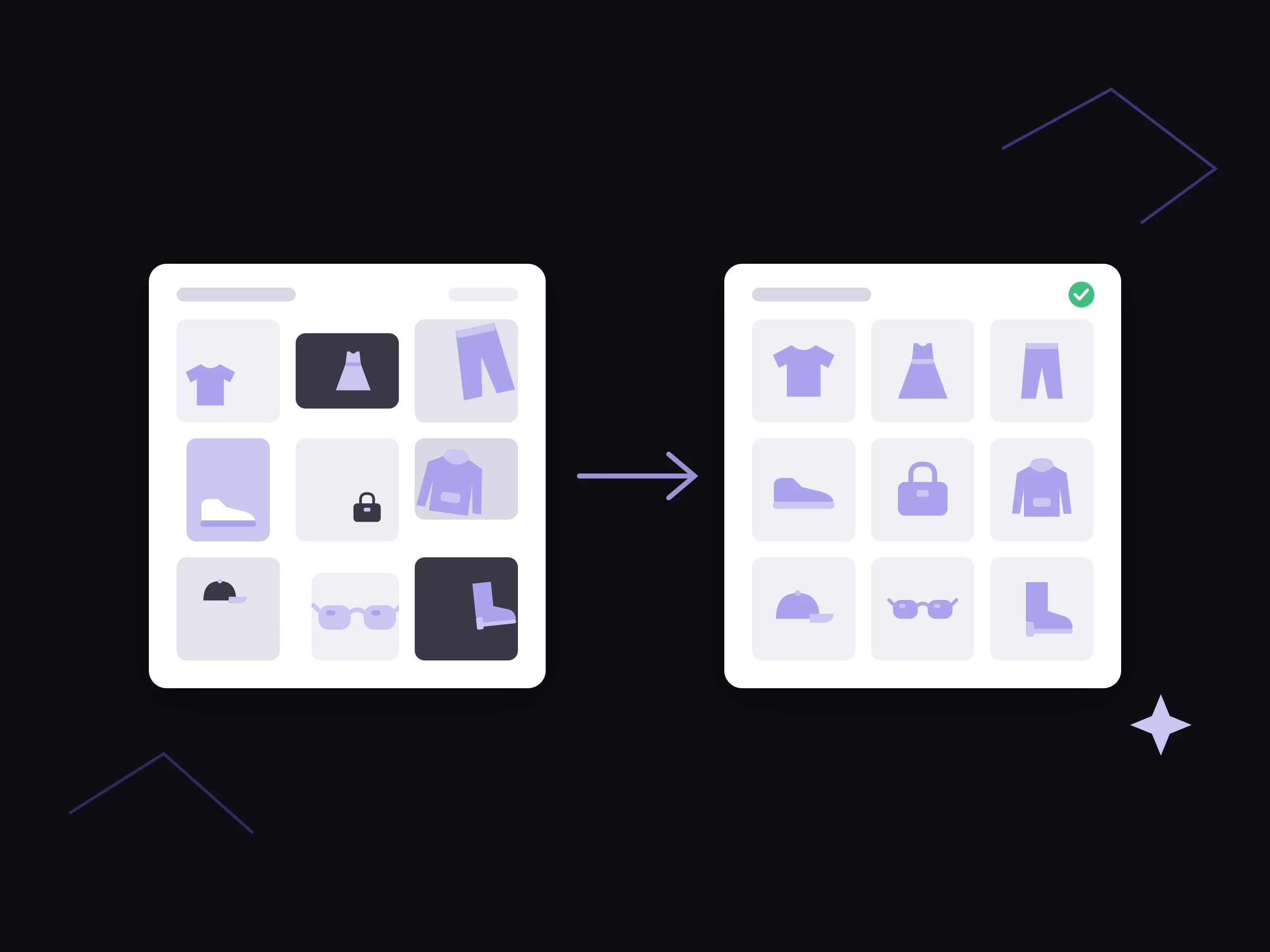
A messy batch of supplier product photos edited into a consistent, catalog-ready image grid

Best AI product photo editing tools for ecommerce catalogs in 2026

Compare the best AI product photo editing tools for ecommerce catalogs in 2026, from image APIs and creative generators to PIM-based platforms.

How to automate ecommerce image editing and product photography with AI

A guide to using AI for ecommerce image editing and product photography. Generate angles, recolor variants, and publish complete product images quickly.

How to Optimize Ecommerce Product Images for SEO (and Prepare for GEO)

Your product images are more than visuals. Learn how to make them discoverable across Google and AI search using smart optimization, metadata, and AI tools.

Discover more tools

Clothing Description Generator

Craft clothing descriptions in your brand voice.

AI Image Style Transfer

Create consistent, brand-aligned visuals at scale with AI style transfer for product images.

AI Product Listing Tool

Turn product data into listings that convert.

The AI-powered product imagery platform trusted by enterprise ecommerce teams

Create, check and publish ghost mannequin images for your whole catalog in one place.