






.svg)






Ensure channel-ready product data and content
Accelerate time to market with AI powering your PIM


Accelerate time to market with AI powering your PIM


Grow your store with optimized product data and content


Frequently Asked Questions
Does Hypotenuse AI replace Salsify?

It can. Hypotenuse AI includes an AI-native PIM that stores and manages your product information, then runs enrichment, content generation, image editing and channel optimization over it, so everything sits in one system. If you want to keep Salsify, Hypotenuse AI works alongside it, reading product data in, enriching and generating content, then writing approved output back. Either way you don't run a separate PIM and PXM.
How does the Salsify integration work?
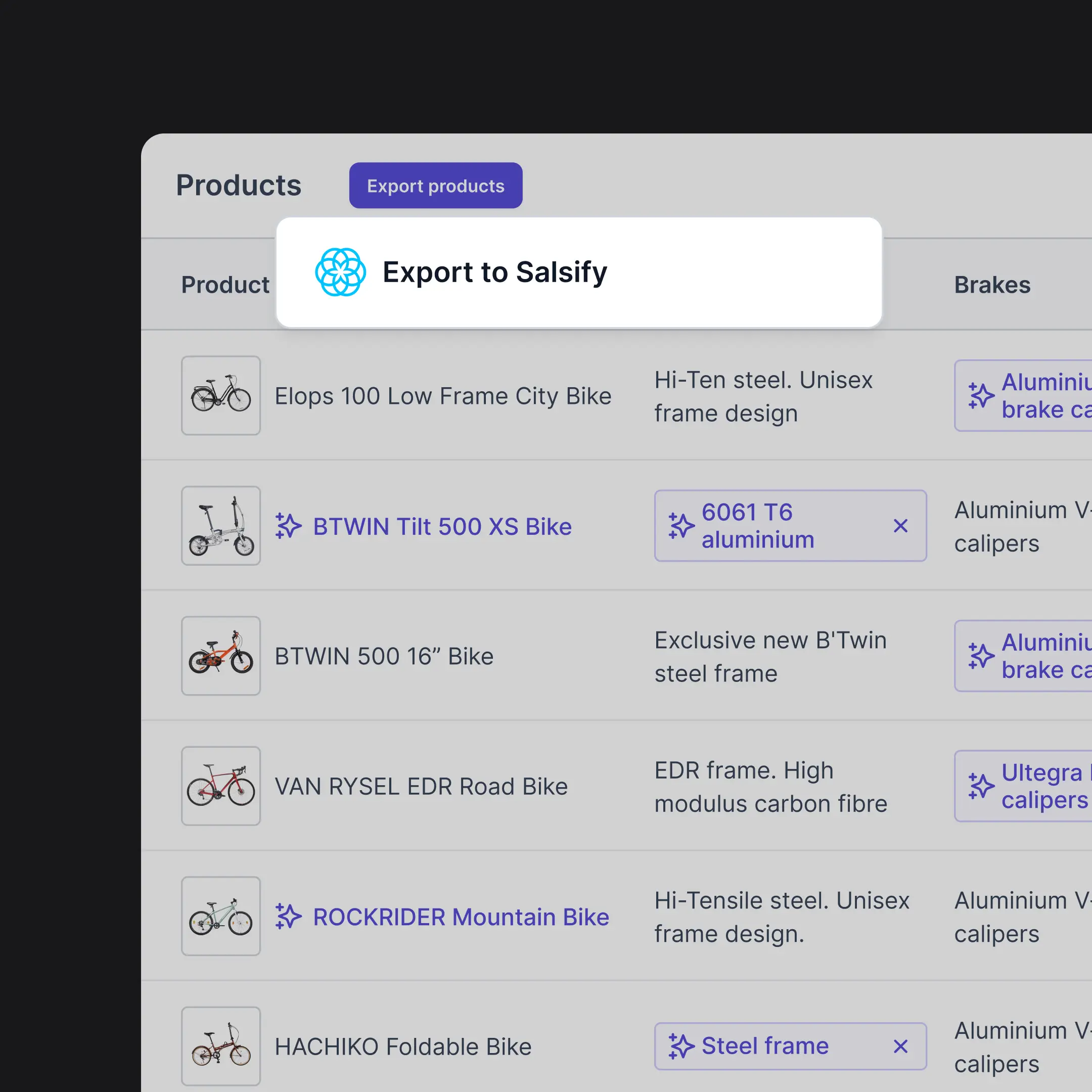
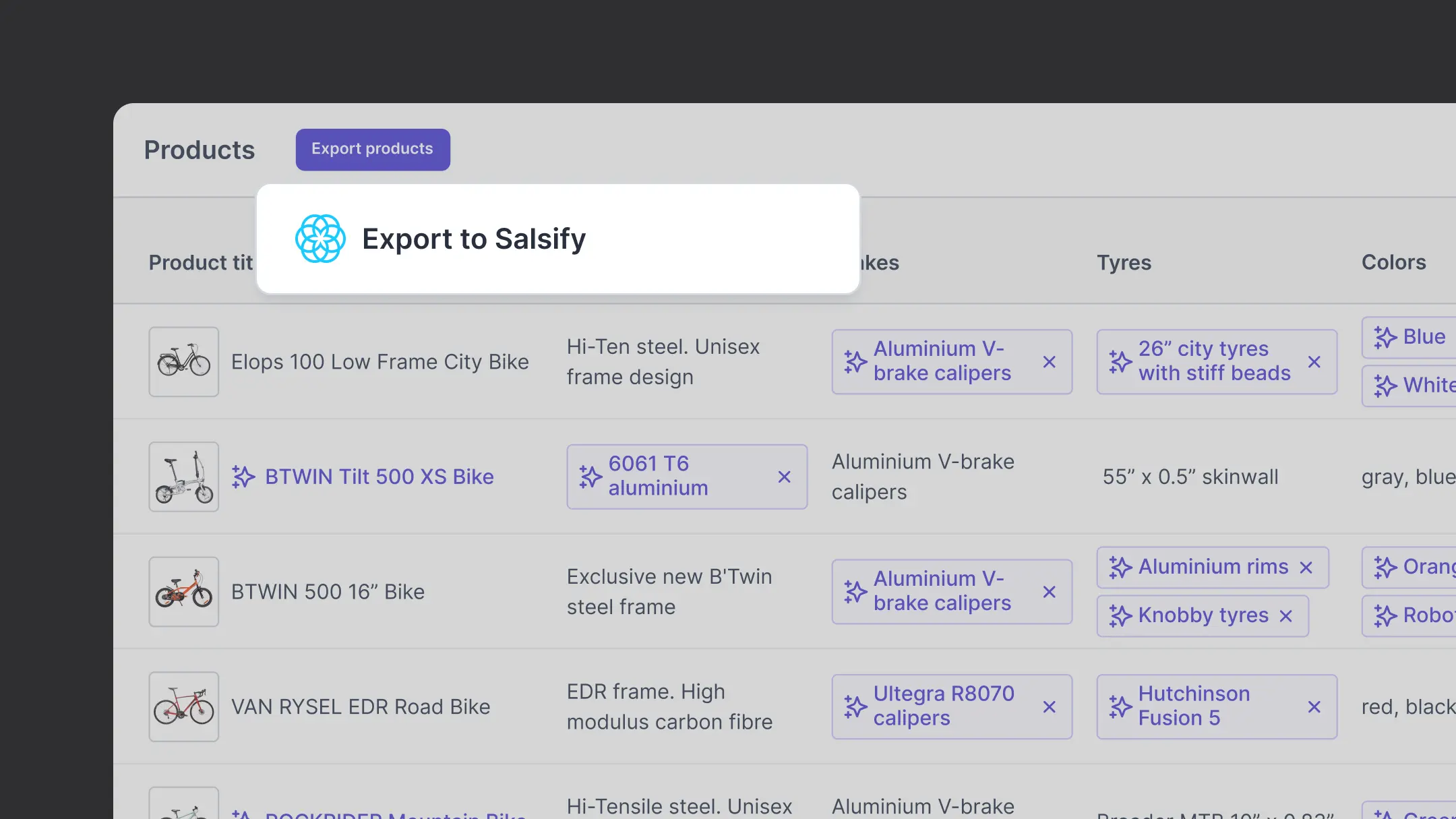
Hypotenuse AI connects to your Salsify account and pulls the products and attributes you select. Enrichment and content generation happen inside Hypotenuse AI, where your team reviews and approves. Approved values are written back to the Salsify fields you map during setup, and you choose which fields Hypotenuse AI is allowed to write to.
Can our team review content without a Salsify seat?
Yes. Review and approval happen inside Hypotenuse AI, so merchandisers and category managers can work on product content without needing a Salsify licence each.
Will it work with our variant structure?
Yes. Hypotenuse AI supports multi-level product hierarchies, including brand, collection, style and colour inheritance, and generates content at the level your product pages are built on. Your variant structure is mapped during implementation so copy stays unique where it needs to be.
How accurate is the generated content?
Every enriched value carries a confidence score, the reasoning behind it and the source it came from. Confidence thresholds are configurable per attribute, so low-confidence values route to a review queue while high-confidence values flow through automatically.
Can we start without building the integration first?
Yes. Teams often start with a spreadsheet export from Salsify to test output on a sample of products, then switch to the live connection once brand voice and attribute rules are set.
.avif)